August 1st, 2026
New
Improved
Fixed
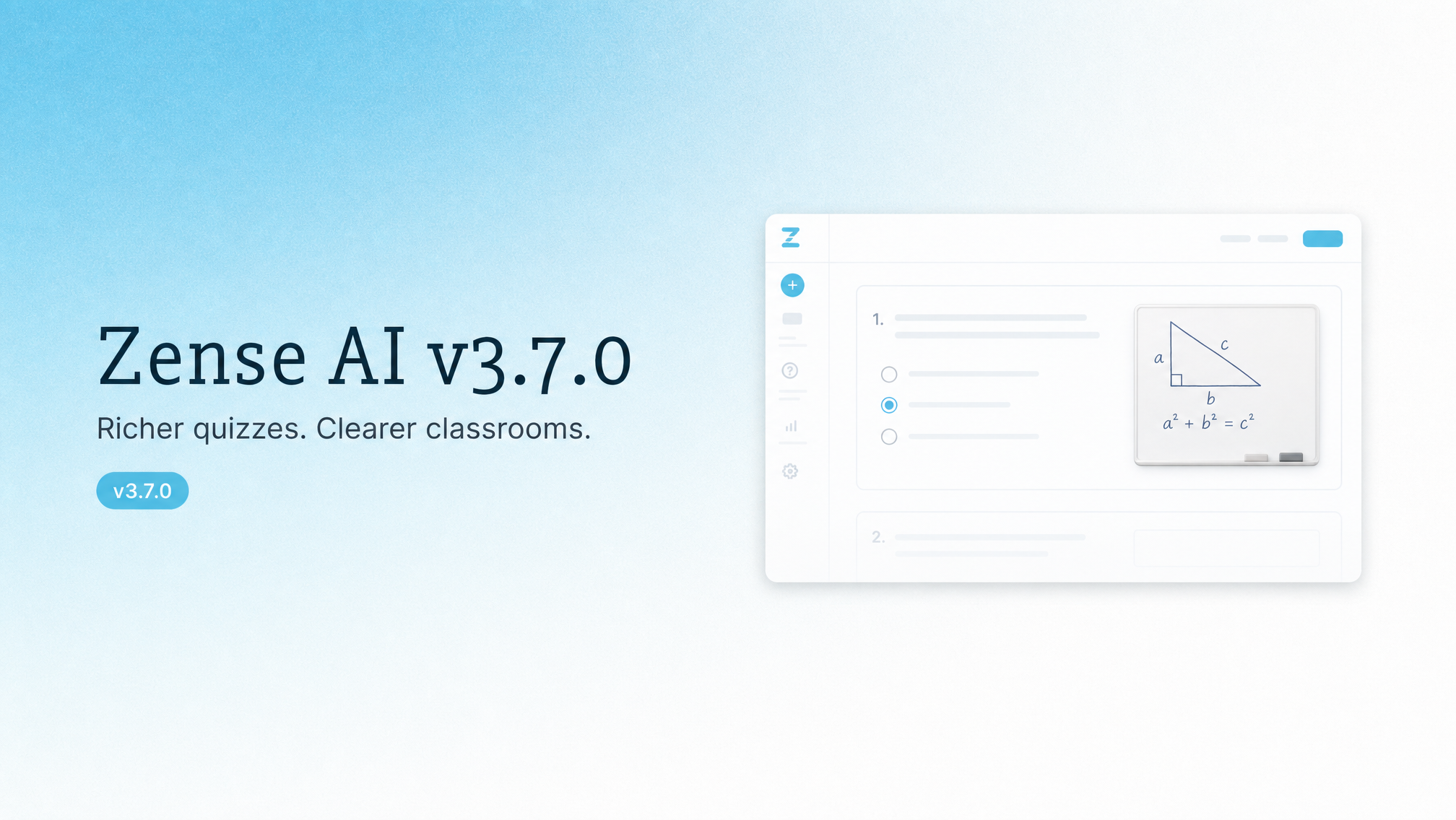
Richer assignment quizzes, Google Classroom sync, and clearer guidance when the app is updating.
New Features
Quiz builder: Whiteboard answers, diagram labels, and knowledge-base sources for richer quizzes
Google Classroom: Connect classrooms and keep class rosters in sync
Improvements
Helpful guidance when Zense AI is updating, so signup and login stay usable during releases
Smoother live class pull invites and presence
Bug Fixes
Teacher logout from the students page no longer lands on a missing page
July 25th, 2026
New
Improved
Fixed
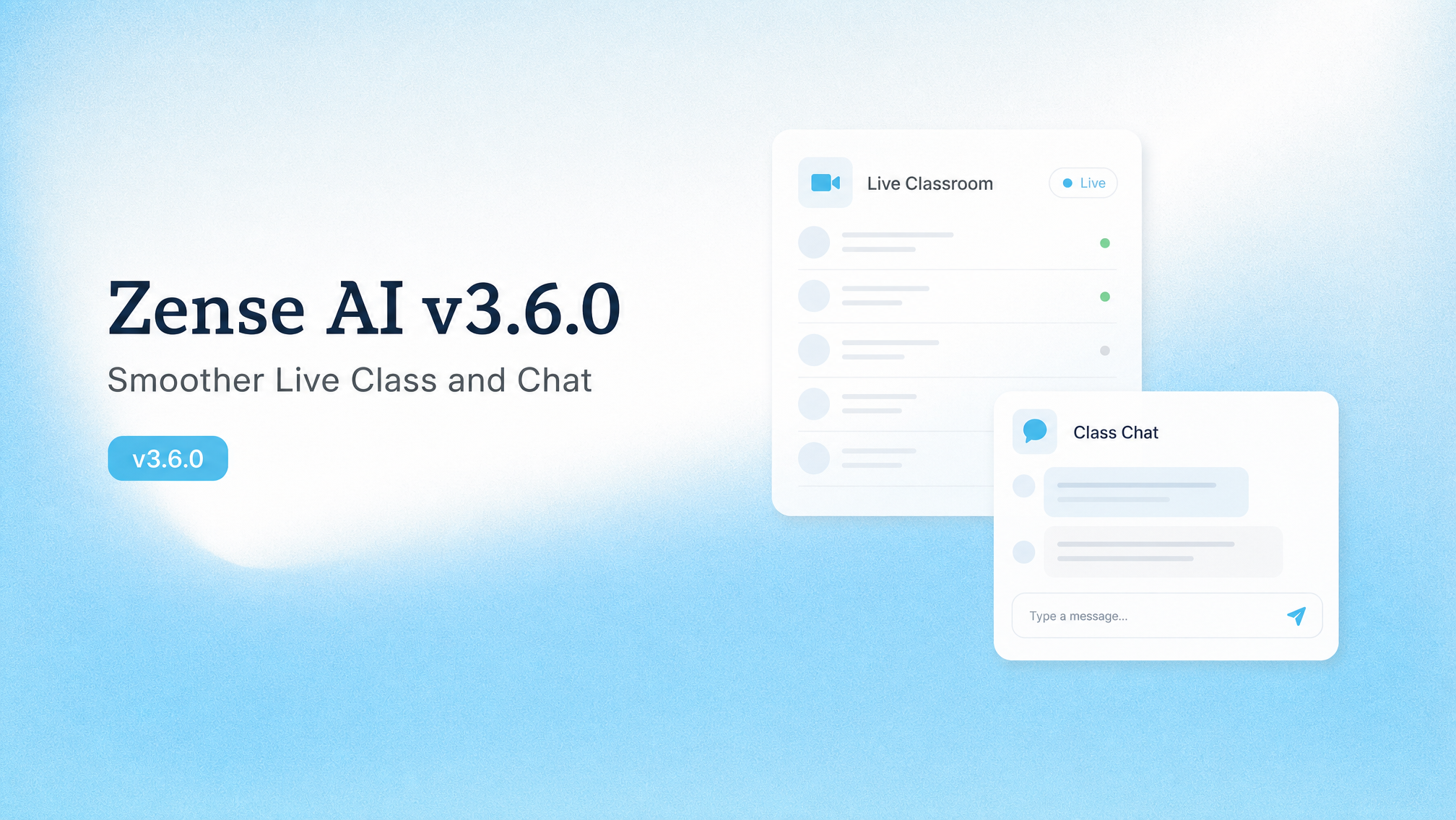
Smoother live classes, clearer chat images, and a steadier classroom video workflow.
New Features
Classroom Video: Create and share classroom video posts from Video Studio
Live Class Controls: Pull students into class, mute settings, clearer AI reviewing, and Leave that returns you to the classroom
Improvements
Chat Images: Tutor image tools stay reliable, and opening an image feels like one smooth zoom
Chat Composer: Cleaner attachments and easier image replies in everyday chat
Bug Fixes
Regenerating a reply no longer jumps the thread to the top before settling on your question
Live Class session header stays readable when the side panel is narrow
July 20th, 2026
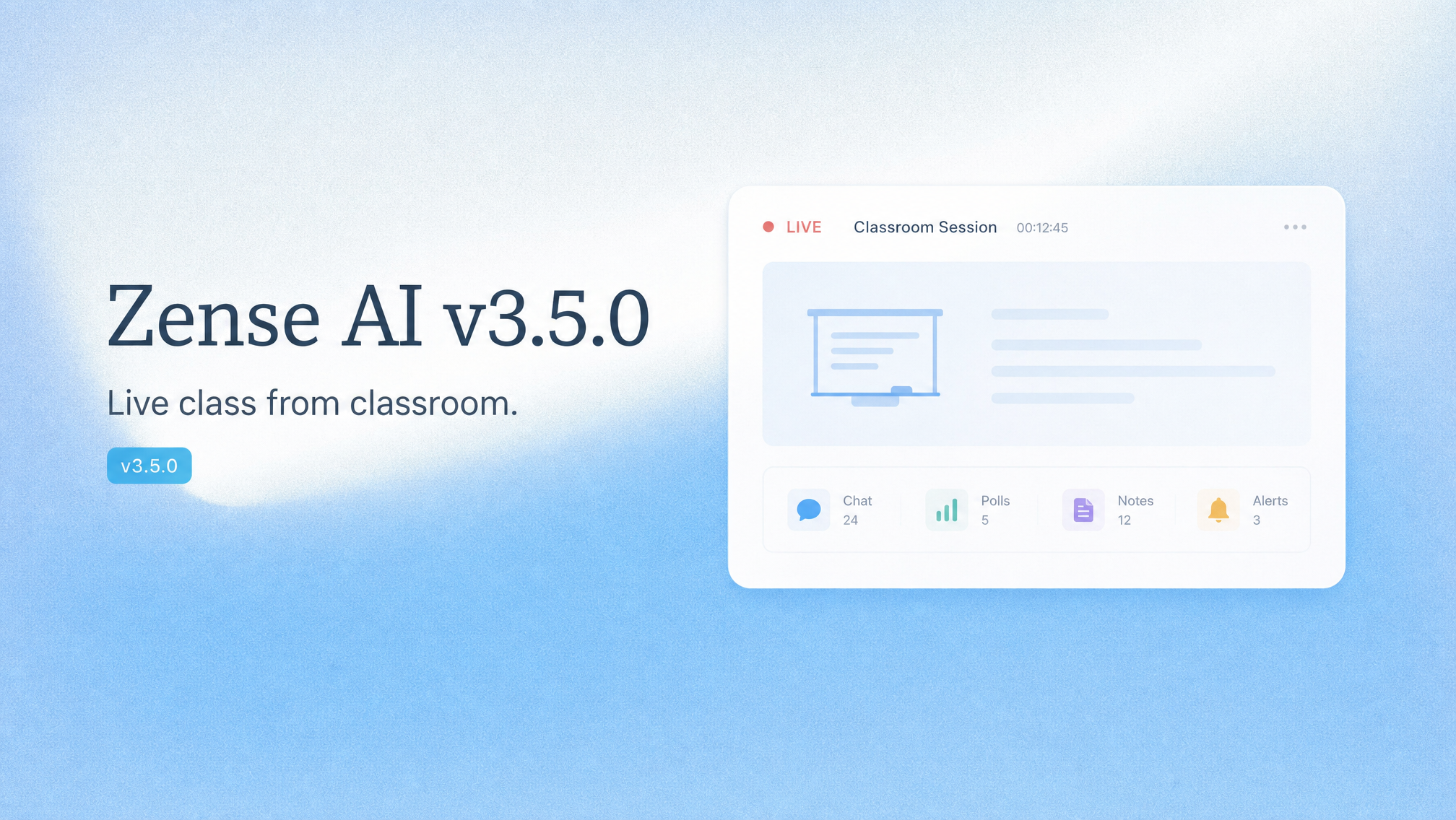
Classroom live class, school model controls, and a clearer model picker.
New Features
Classroom live class: Start live class from a classroom — students join from the classroom roster
School model access: Schools choose who can use each model — everyone, teachers only, students only, or nobody
Improvements
Models: Pick reasoning depth when choosing a model; school admins manage models from one page
Live class: Simpler setup and clearer student leave and return flow during a session
Bug Fixes
Table actions in chat replies only appear when you hover the table you mean
July 17th, 2026
Choose a reasoning level when you pick a model, plus newer chat models and clearer update guidance.
New Features
Model reasoning levels: Pick how hard a model should think on one model row—no more Instant vs Thinking duplicates
New chat models: GPT-5.6, Grok 4.5, Kimi K3, and Tencent Hy3
Improvements
Edit chat questions with attachments and model choice still intact
Older GPT-4 and o-series options redirect to current models so saved chats keep working
Clearer guidance when the app is updating
July 15th, 2026
Smoother chat and files, plus more reliable live updates.
Improvements
Chat replies animate more smoothly, with clearer file handling and stronger app tools in conversations
Live Class and tutor rooms stay in sync more reliably after reconnects
Bug Fixes
Fixed cases where live updates stopped arriving until you refreshed the page
July 12th, 2026
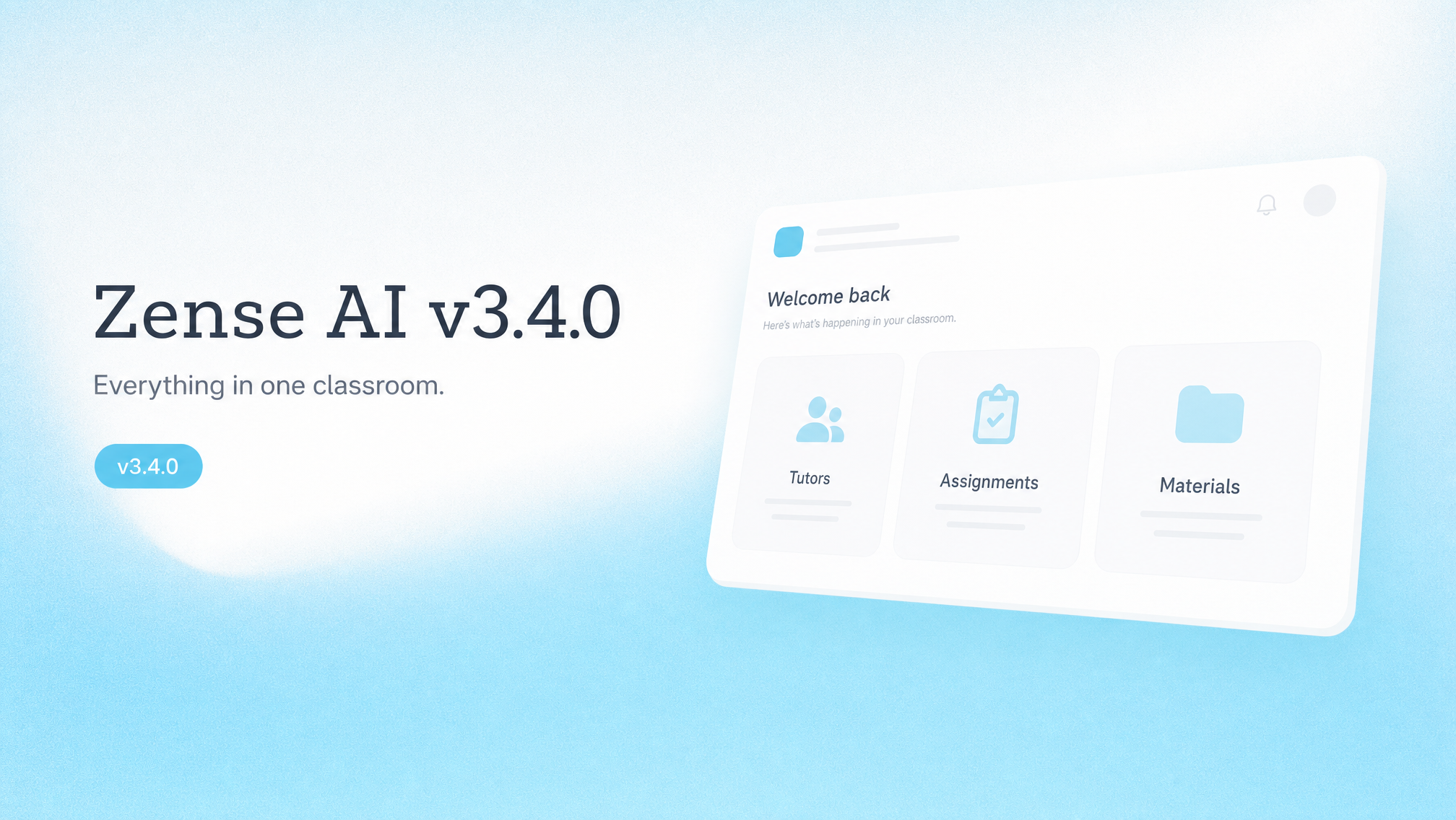
Classroom is back, Live Class (beta) is new, plus clearer chat help.
New Features
Classroom (beta): Classroom is back — create one and keep tutors, assignments, apps, tools, posts, and materials in one place
Live Class (beta): New multi-live classes per tutor, with Evaluations on the tutor hub
Improvements
Better teacher collaboration on tutors and assignments
Clearer chat help when something goes wrong, with smoother recovery after a stopped reply
Smoother chat composer layout and scrolling
Bug Fixes
Clearer credit top-up and studio limit behavior
July 7th, 2026
Easier app sharing, clearer credits, and fewer confusing errors.
New Features
App galleries: Publish learning apps to your school, the public gallery, or both
Improvements
Credits: See active top-ups and clearer balances; schools can assign studio credit packs
Canva: Improved security when connecting through our third-party provider
Chat shows plain-language help when something goes wrong, instead of technical error text
Bug Fixes
Smoother buying credit top-ups
July 5th, 2026
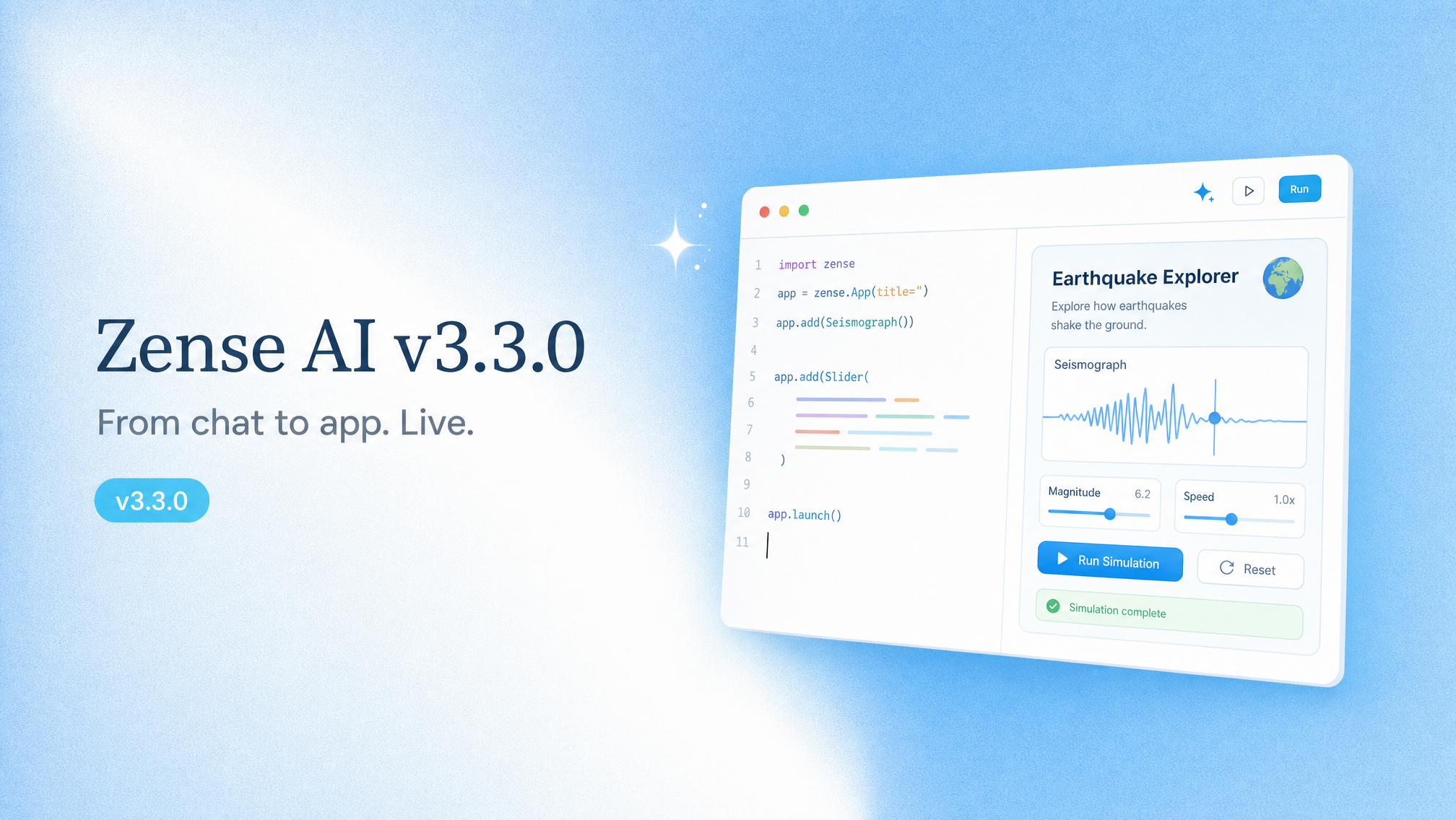
Interactive apps in chat, plus a smoother experience on web and mobile.
New Features
Interactive App Builder: Build and edit learning apps in chat with live preview
Improvements
Smoother chat experience on web and mobile — easier to read replies and use the composer on phones
Bug Fixes
Fixed leftover space below the screen after closing the keyboard on mobile
July 2nd, 2026
Smoother uploads, code file support, faster conversation updates, and mobile & math fixes.
Bug Fixes
Code file support: Upload programming and config files (.py, .java, .json, and more) in chat, Tutor, and Library.
Accurate upload progress: Progress bars now track the real upload instead of jumping to 100% early.
Clearer processing status: Knowledge base uploads show real steps (extracting, processing images, indexing) instead of a stuck percentage.
Tutor & conversation ordering: Newly uploaded Tutor files stay on top, and the conversation list updates instantly on new messages.
Mobile & math fixes: Fixed a gap under the mobile nav bar after using the keyboard, and fixed garbled text when copying math expressions.
Dark mode fix: Corrected the sign-in page logo in dark mode.
July 2nd, 2026
Smoother sign-up, faster video & OCR, and more server capacity for busy classrooms.
New Features
Improved sign-up flow: A smoother registration experience for individual accounts, with a quick step to share your occupation and how you heard about Zense AI
Improvements
Faster video & OCR processing: Quicker batching for smoother uploads and grading
More server capacity: Upgraded servers so more teachers and students can work at the same time without slowdowns
Bug Fixes
Fixed Cantonese speech-to-text accuracy in call tutor sessions
Fixed video model selector on mobile and aligned pricing
Moved the streak stats badge to the directory toolbar