What is the Knowledge Base?
Your tutor uses a Tutor Knowledge Base approach to learn from your files and documents. Instead of only using what the AI already knows, your tutor can look up information from your own files. This means your tutor can give better, more accurate answers that are specific to your needs.
When you or your students ask a question, your tutor first searches your uploaded files (like class notes, guides, or lesson plans) to find the most useful information. Then, it uses this information to create a helpful answer. This makes your tutor much smarter and more useful in the classroom.
The Knowledge Base is great for teachers because it means your tutor can always use the latest and most relevant information you provide. You are in control of what your tutor knows!
How Does It Work?
Loading diagram...
Using the Knowledge Base
Your knowledge base is a collection of files you upload for your tutor. The chatbot uses these files to answer questions. You can upload things like:
- Class notes
- Lesson plans
- Study guides
- Any other helpful documents
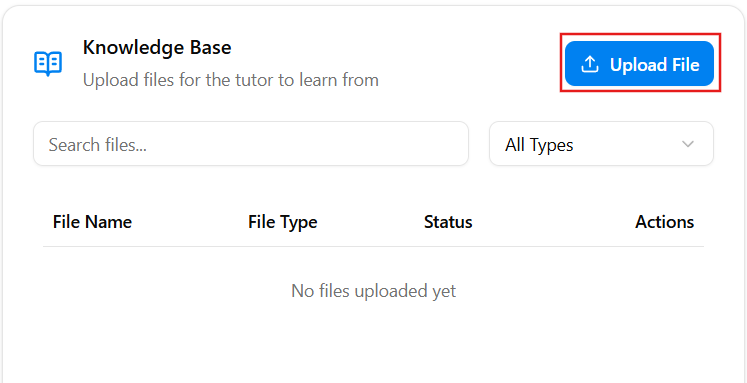
When you upload a file, in the Knowledge Base in Tutor Panel, the chatbot will read it and use the information to help answer questions from you or your students based on the knowledge from the file (as per the directions given). To do that, click Upload File.
Supported File Types
Right now, you can upload these types of files:
- PDF (.pdf)
- Word Documents (.doc, .docx)
- Text Files (.txt)
- PowerPoint Presentations (.ppt, .pptx)
We are working to support more file types in the future!
Tip: Make sure your files are clear and well-organized. This helps the chatbot find the best answers for you and your students.
Last updated: March 11, 2026